Advanced Git & GitHub for DevOps Engineers

Git Branching
Branching is used to isolate development work without affecting other branches in the repository. Each repository has one default branch and can have multiple other branches. You can merge a branch into another branch using a pull request.
Branches allow you to develop features, fix bugs, or safely experiment with new ideas in a contained area of your repository.
Git Revert and Reset
Two commonly used tools that git users will encounter are git reset and git revert.
Both commands takes you back to a specified previous state in the code base but with different after effects.
The git revert command reverts to a specified commit but keeps the history of every other commit made to the code base, and creates a new commit for the reverted changes. This is a more efficient way of undoing changes when collaborating with others.
Alternatively, the git reset command will revert back to a specified commit, then delete every commit that comes after the specified commit.
To be on the safe side, use git revert when undoing changes in a repo that has other developers working on it.
You can use git reset in cases where you want to completely get rid of commits after undoing changes.
Git Rebase and Merge
What Is Git Rebase?
Git rebase is a command that lets users integrate changes from one branch to another, and the logs are modified once the action is complete. Git rebase was developed to overcome merging’s shortcomings, specifically regarding logs.
What Is Git Merge?
Git merge is a command that allows developers to merge Git branches while the logs of commits on branches remain intact.
The merge wording can be confusing because we have two methods of merging branches, and one of those ways is actually called “merge,” even though both procedures do essentially the same thing.
Task 1:
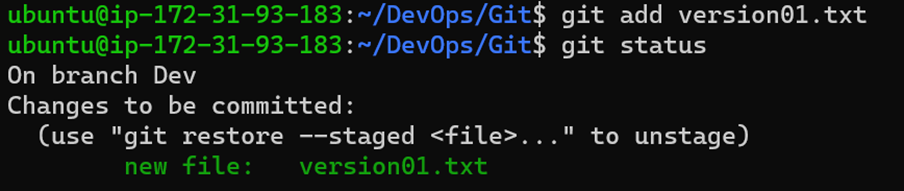
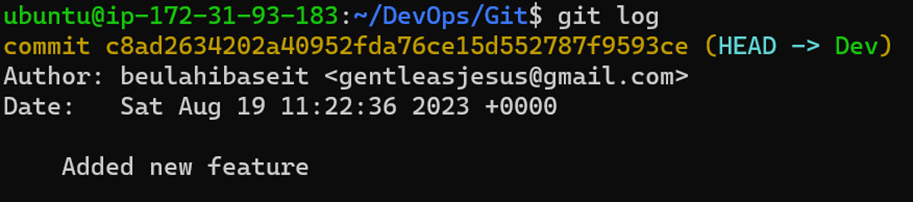
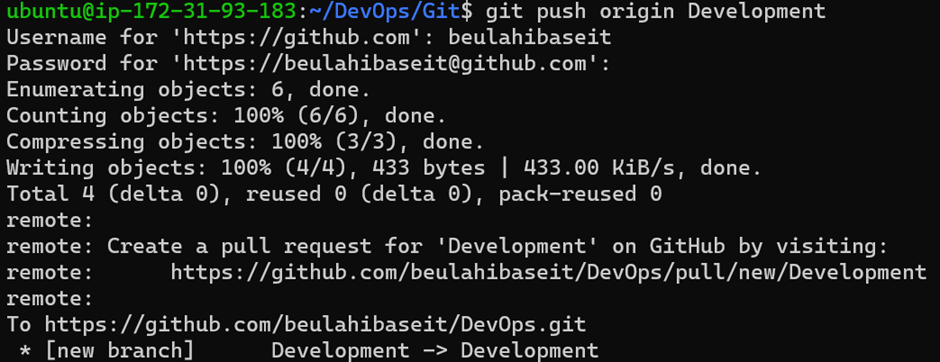
Add a text file called version01.txt inside the Devops/Git/ with “This is first feature of our application” written inside. This should be in a branch coming from master, [hint try git checkout -b dev], swithch to dev branch ( Make sure your commit message will reflect as "Added new feature"). [Hint use your knowledge of creating branches and Git commit command]
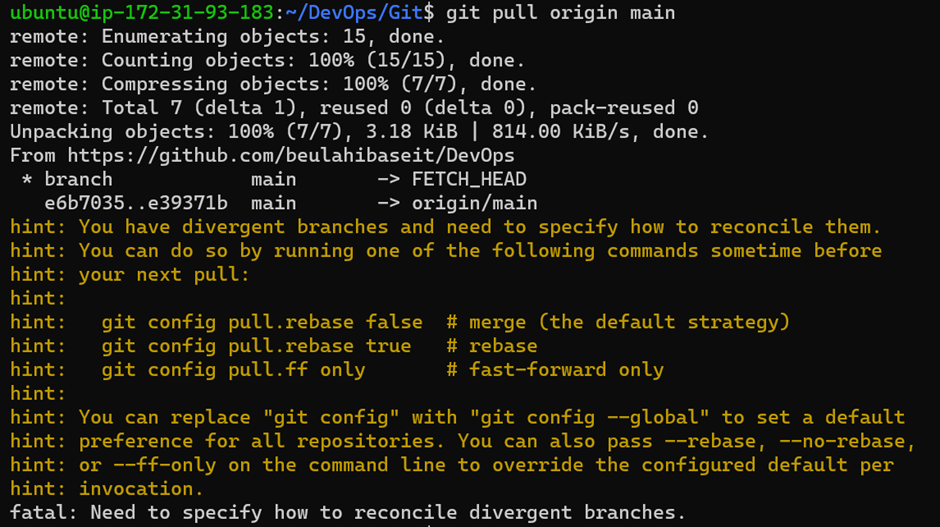
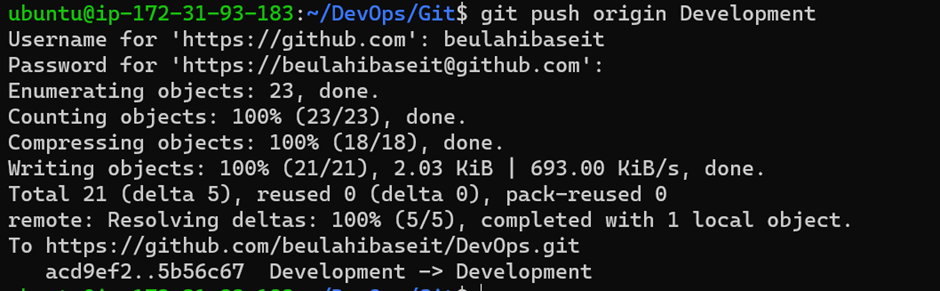
version01.txt should reflect at local repo first followed by Remote repo for review. [Hint use your knowledge of Git push and git pull commands here]








Task 2:
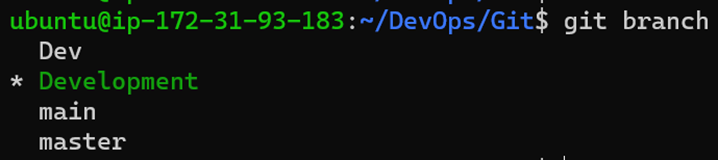
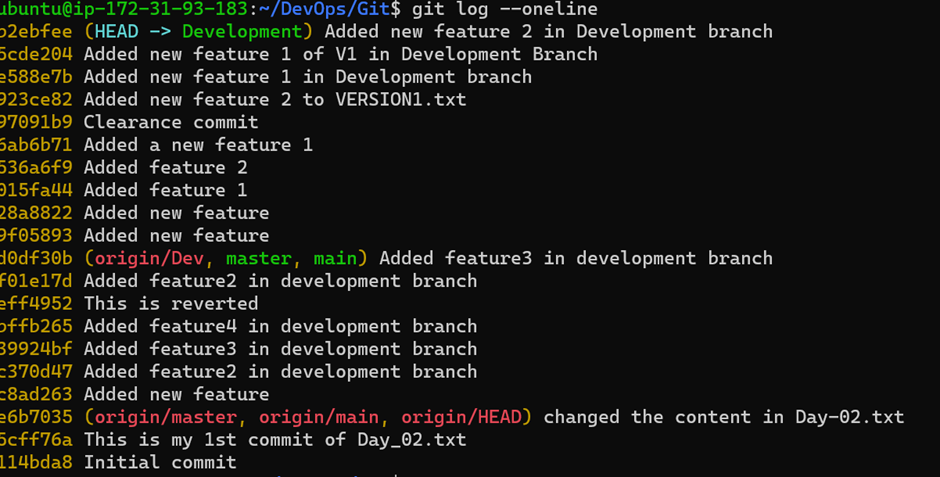
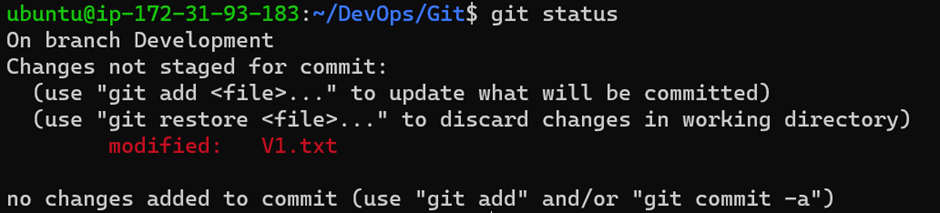
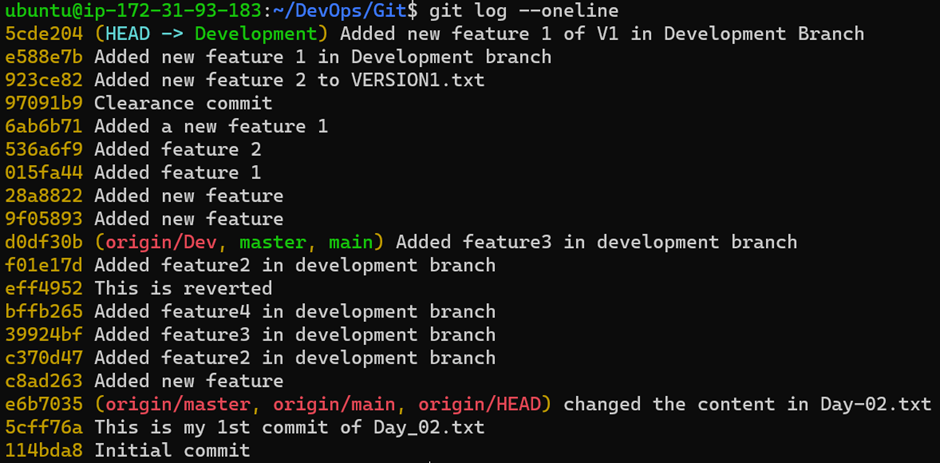
Demonstrate the concept of branches with 2 or more branches with screenshot.
Add some changes to dev branch and merge that branch in master
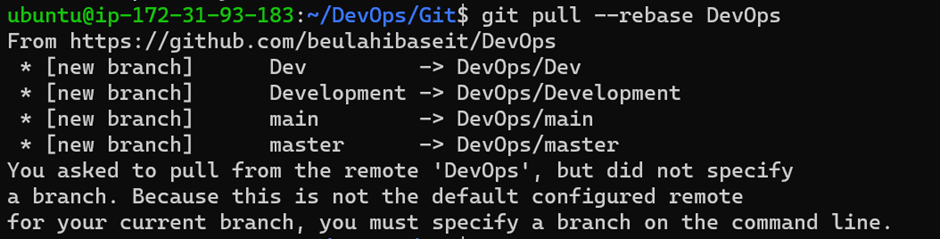
As a practice try git rebase too, see what difference you get.